Cullora
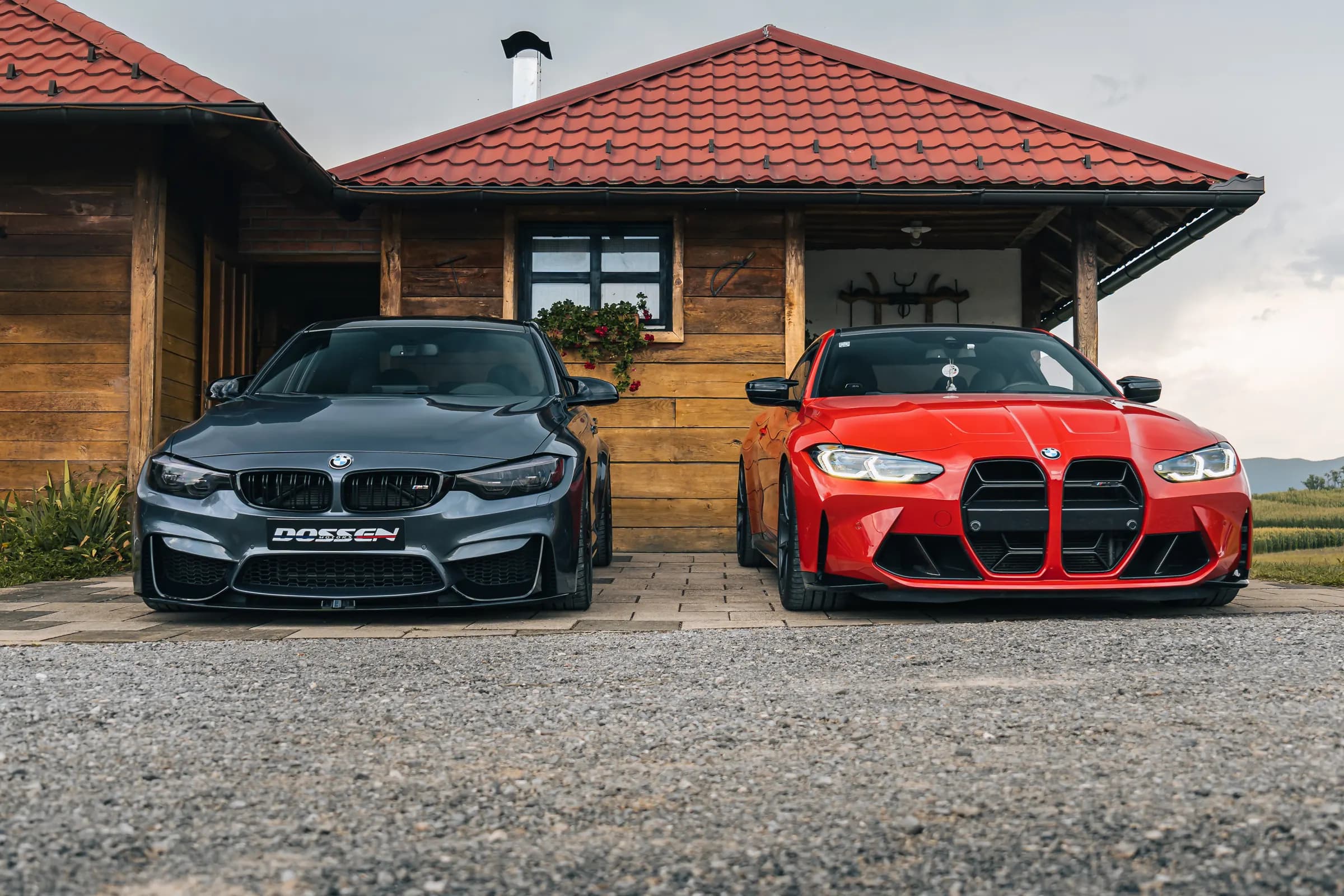
Two BMW M4s parked side by side on gravel in front of a wooden house at a car meet, one matte grey and one red, photographed head on in flat morning light.

Cull the whole shoot before your coffee cools.

Cullora is a keyboard-first culling app for Windows and macOS. It shows the preview your camera already made, instantly, and files RAW, JPG and sidecar as one photo, one keypress.

Free, and a free account: sign in with Google or an email to start the download.
macOS is in the works, get an email when it lands.
The beta isn't code-signed yet, so SmartScreen may ask once: “More info → Run anyway”.

BMW_meet_Karlovac-31Sony a6400 · 16-55mm F2.8 G1/160 · ƒ/2.8 · ISO 125 · 22mm

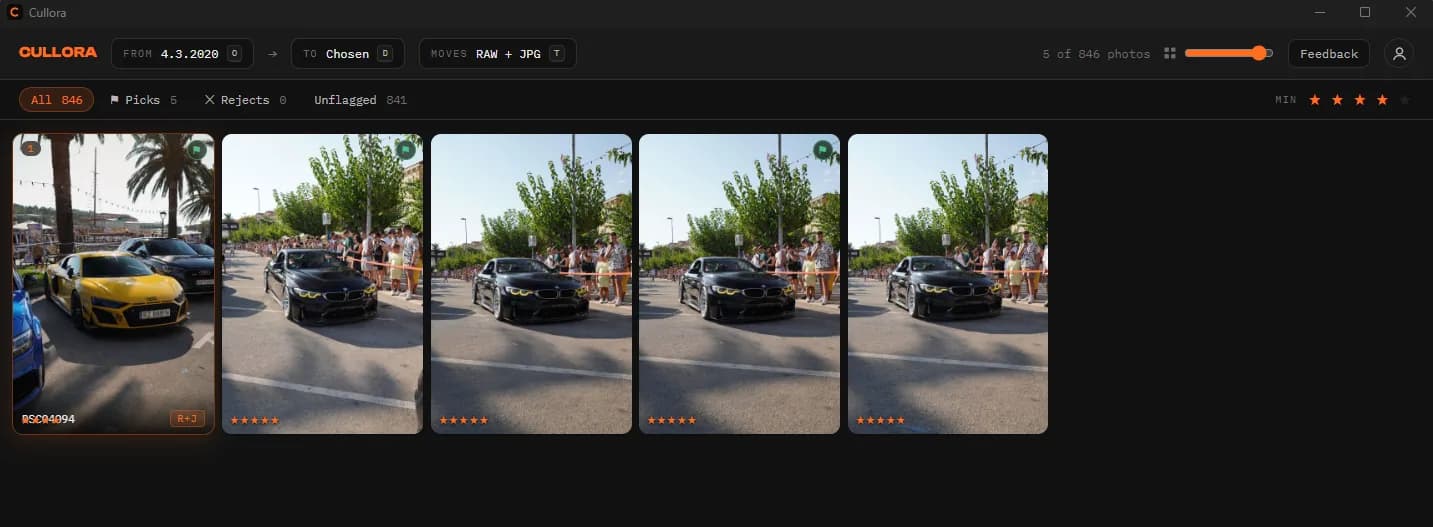
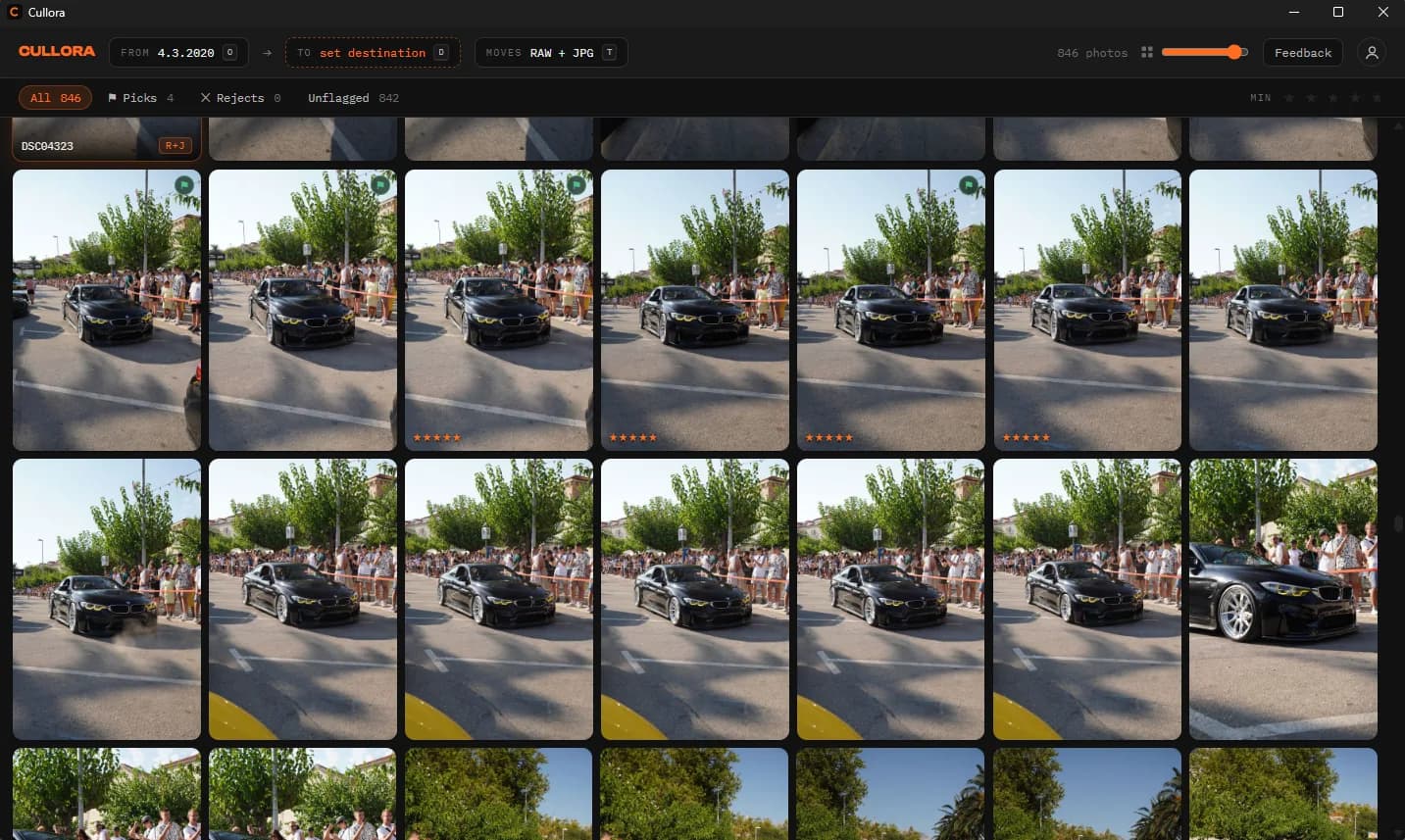
The Cullora grid part-way through the same 846 frame car meet: rows of near-identical frames from one burst, four already flagged as picks, several rated five stars, with the source folder, destination and RAW+JPG transfer mode along the top bar.
The shoot that frame came from · 846 photos · Sony ILCE-6400, E 16-55mm F2.8 G · not a mockup

Culling is the slowest part of your fastest day.

You shot 2,000 frames. Now the real work: import, wait, render, wait, click, wait. Heavyweight editors treat culling as an afterthought, Cullora treats it as the whole job.

<100 msnext-photo render budget. Previews come from the JPEG embedded in your RAW, no decoding, no import step, no catalog to build.
1 keypressper decision. RAW, JPG and XMP sidecar are one logical photo, rate it, flag it, or file the whole group to a folder.
100 movesdeep undo journal. Every move is reversible, collisions are renamed explicitly, and nothing is ever silently overwritten.

See the JPG. Act on everything.

Speed-first viewing

Open a folder, start culling.

No import dialog, no catalog database. Cullora reads the preview your camera already embedded in each RAW and prefetches your neighbours, so flipping through a shoot feels like flipping through a stack of prints.

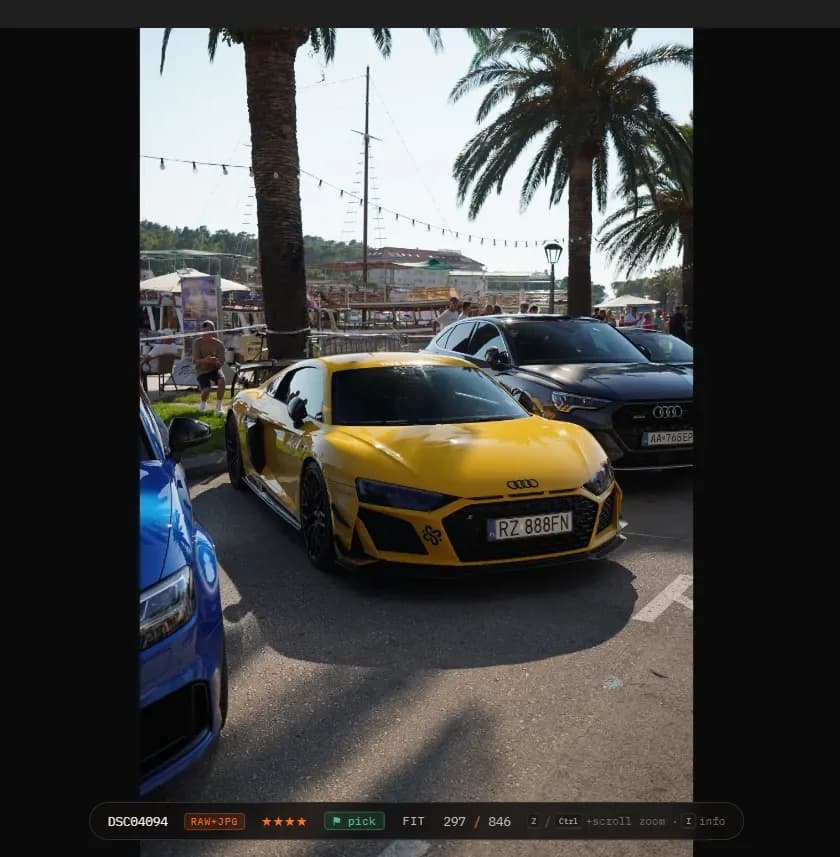
Cullora's full-screen viewer on frame 297 of 846, a yellow Audi R8, rated four stars and flagged as a pick, with the RAW+JPG badge showing both files travel together.

Focus, checked properly

Punch in to 100% without waiting.

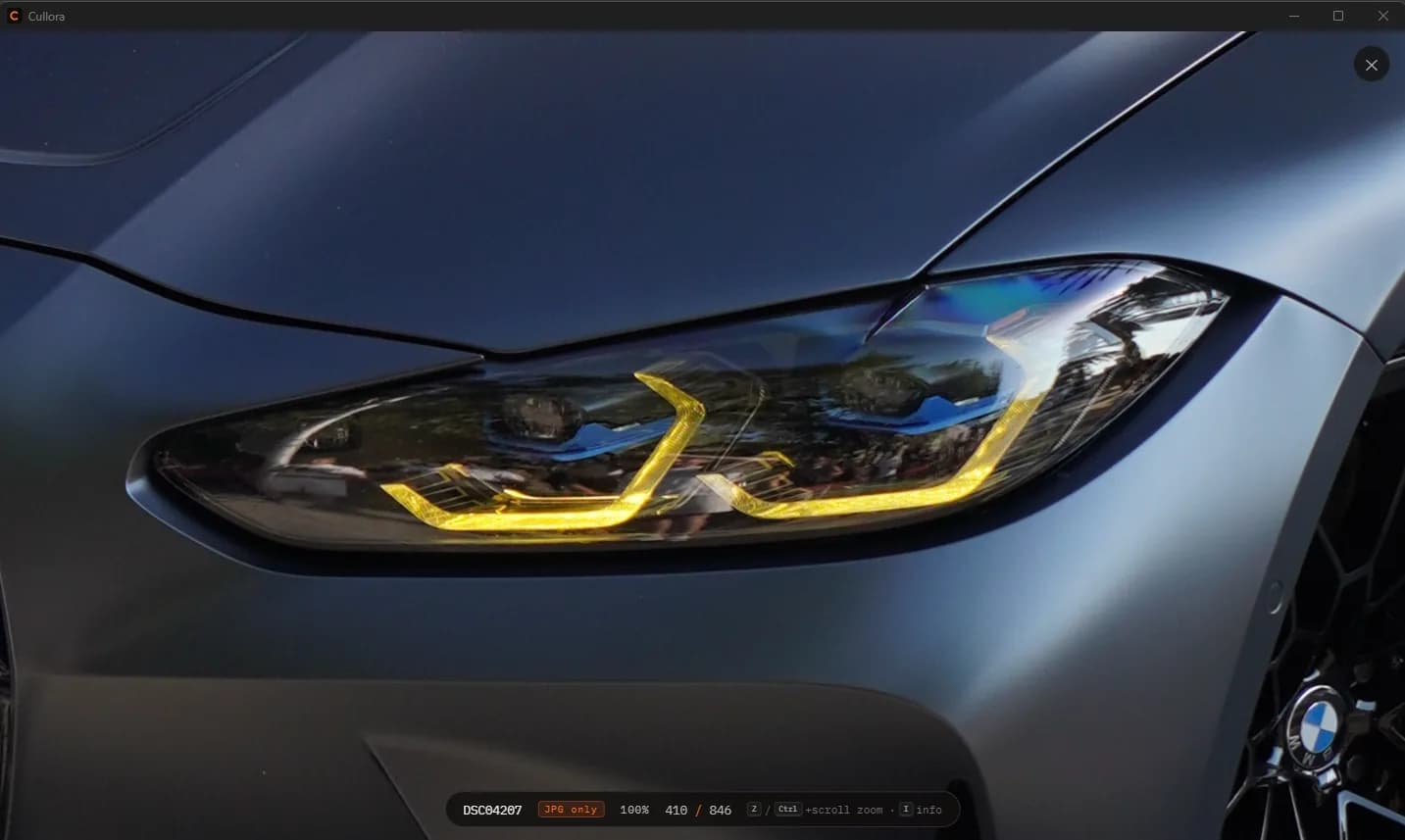
Sharp or not sharp is the decision that matters, and you cannot make it from a thumbnail. Press Z to jump to 100% at the cursor, drag to pan, and keep the zoom level as you move through a burst so you are comparing the same point on every frame.

The viewer zoomed to 100% on a BMW headlight, filling the window, with the zoom level and frame position shown in the heads-up display along the bottom.

Filters

Hide everything you have already judged.

Rate and flag as you go, then narrow the grid to what is left: picks only, rejects only, unflagged only, or a minimum star rating. The shoot gets out of your way as you work through it.

The Cullora grid with a four-star minimum filter applied, showing only the frames that meet it while the counter tracks how many of the shoot remain visible.

RAW-aware grouping

One photo, not three files.

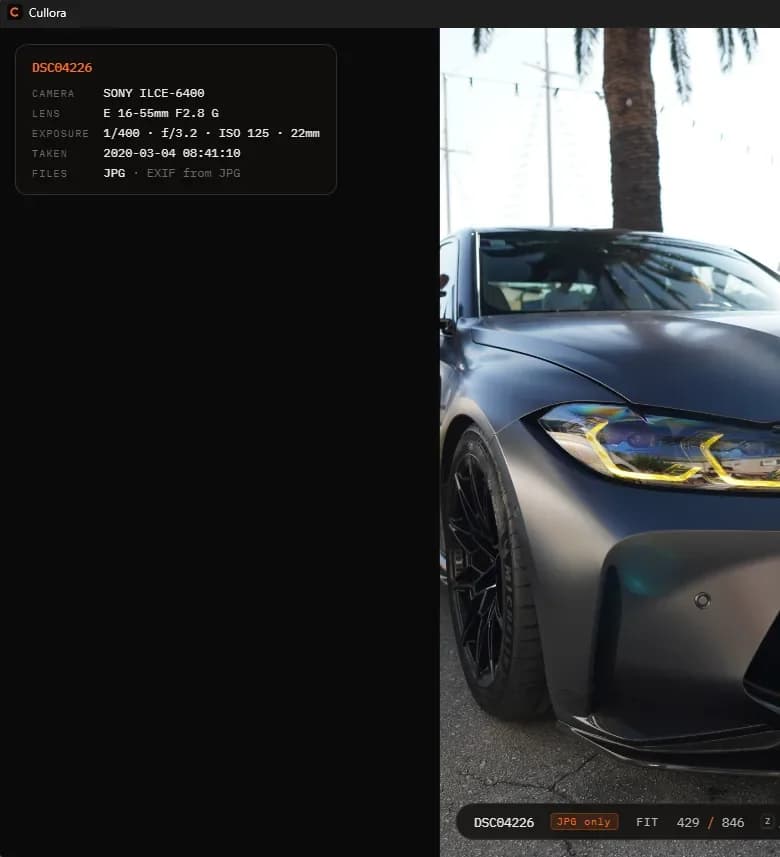
DSC04226.ARW, DSC04226.JPG and DSC04226.xmp are the same picture. Every action, move, rate, flag, undo, resolves the full group first, so your sidecars never get orphaned. Press I for what the file actually knows.

The EXIF panel open over a photo, listing camera Sony ILCE-6400, lens E 16-55mm F2.8 G, exposure 1/400 at f/3.2, ISO 125, 22mm, and the date the frame was taken.

Three frames. Eight seconds.

This is the part no editor helps with. Same car, same light, the shutter still down. One of them is the frame; the other two are storage. A shoot is hundreds of these decisions in a row, and nothing about it needs a catalog.

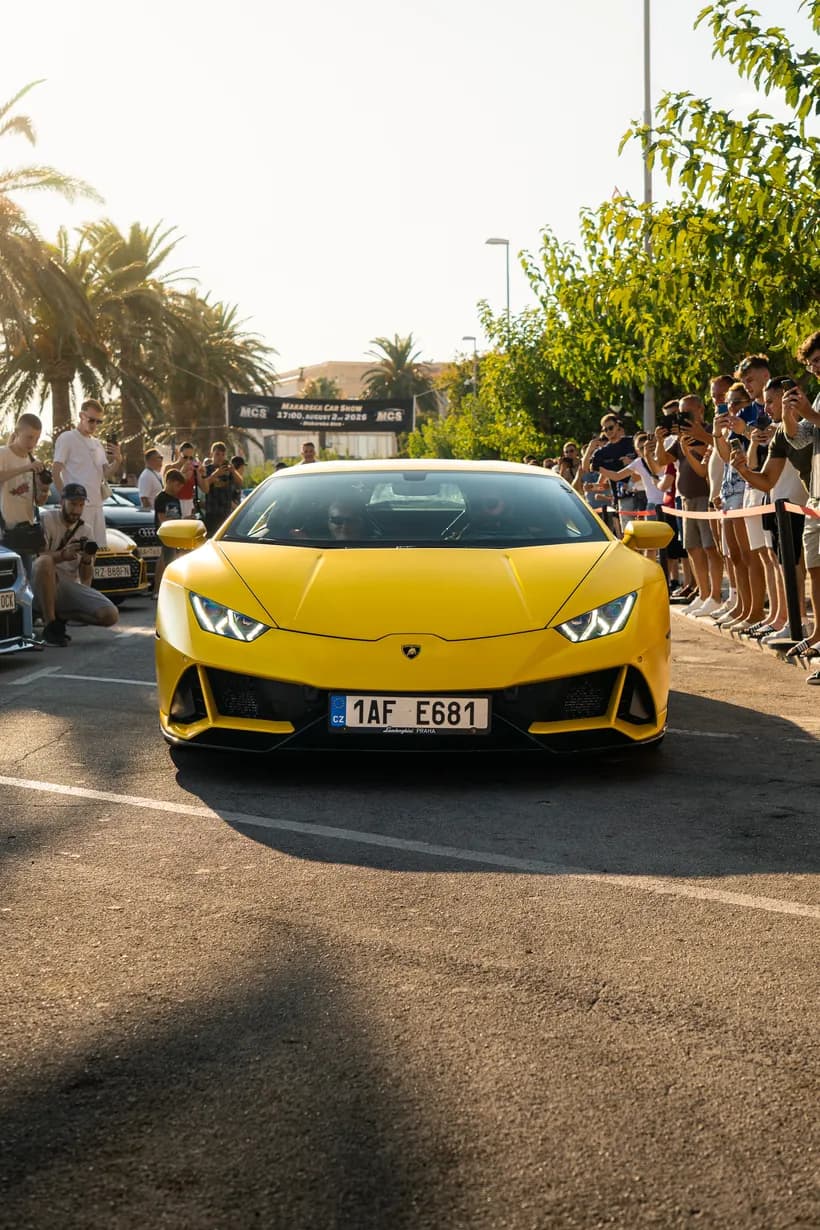
A yellow Lamborghini Huracan seen from the front left at a car meet, crowd behind a barrier, palm trees overhead.
09:17:28
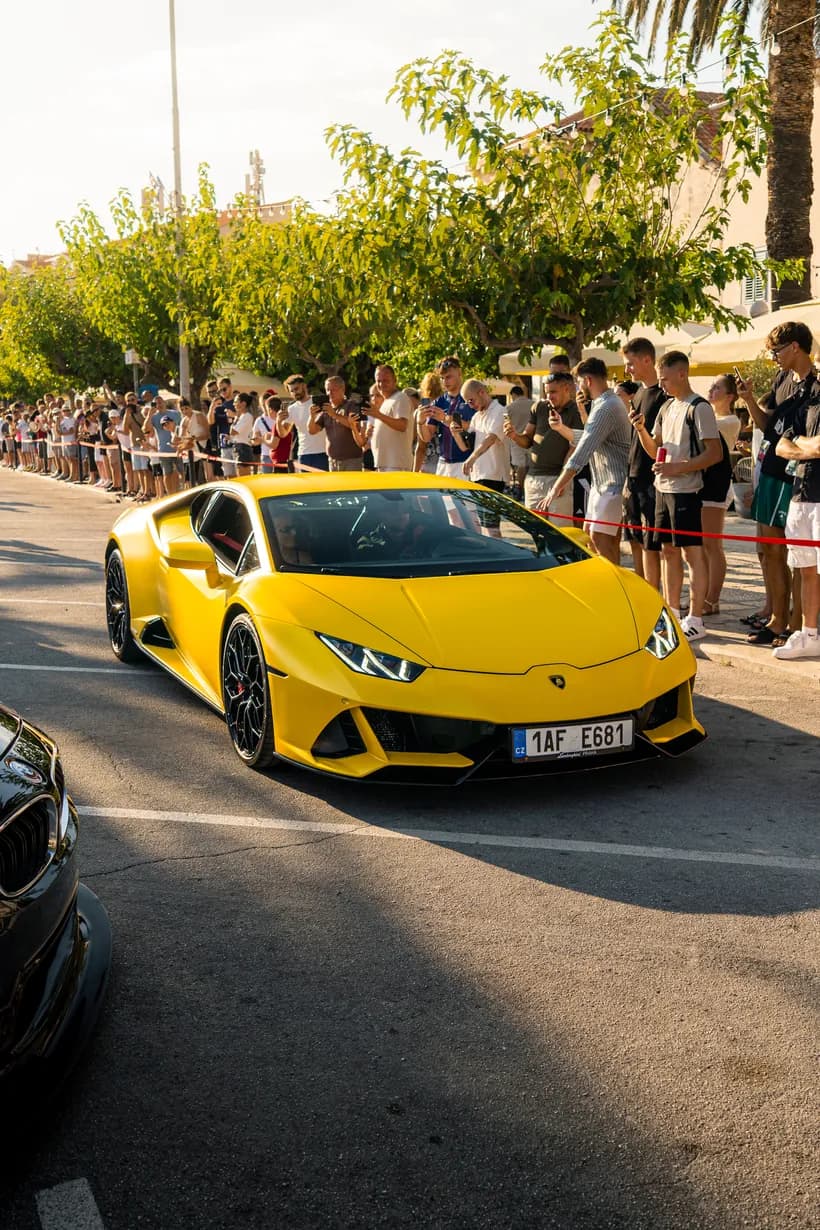
The same Lamborghini Huracan five seconds later, the car slightly further forward and the crowd shifted.
09:17:33
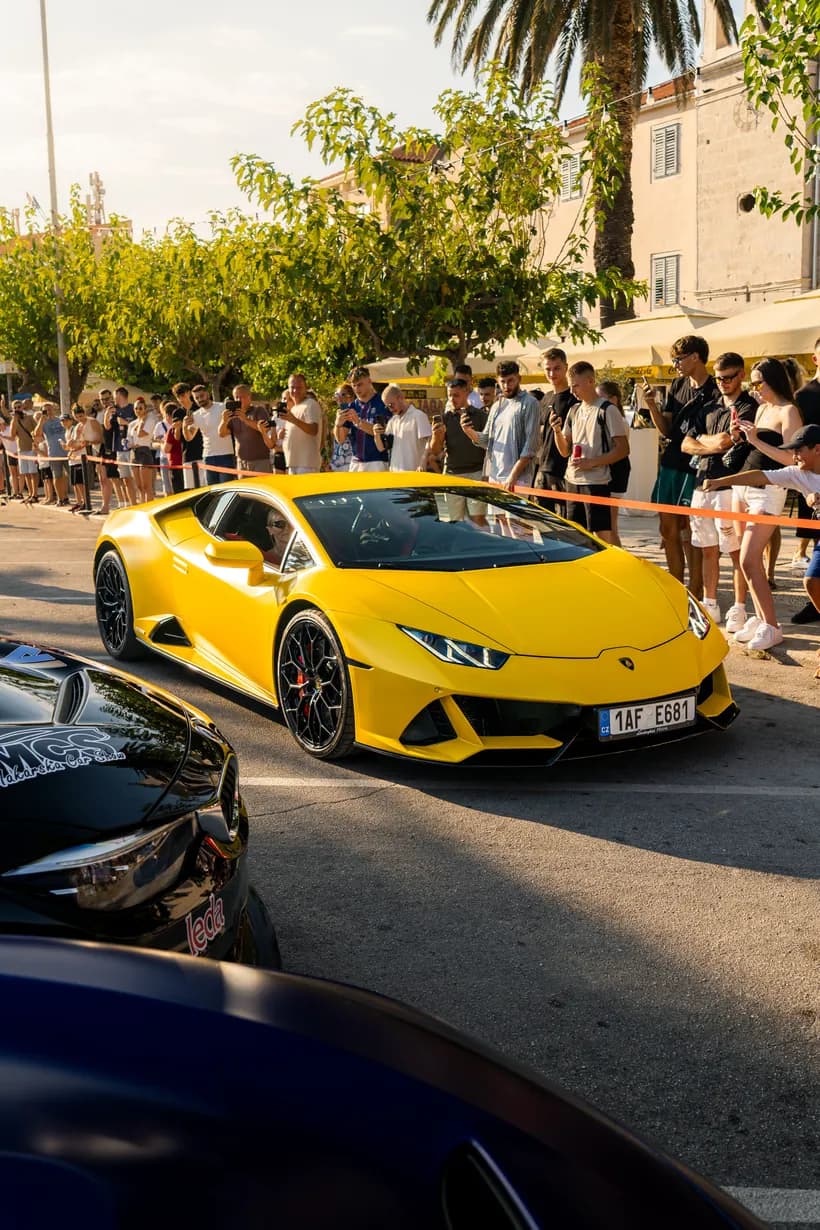
The same Lamborghini Huracan three seconds later again, from a marginally wider angle.
09:17:36

Timestamps read from the files. Sony a6400 · 16-55mm F2.8 G · ƒ/3.5 · ISO 100

The whole workflow, under your fingers.

CtrlX

File it, move the whole photo group to your keepers folder

CtrlZ

Take it back, undo journal restores the last 100 moves

P

Pick, flag a keeper, Lightroom muscle memory

X

Reject, flag for the bin without touching a file

15

Rate, star ratings, 0 clears

Z

Zoom, punch in to 100% at the cursor, drag to pan

I

Inspect, EXIF panel: body, lens, exposure

T

Transfer type, RAW+JPG together, RAW only, or JPG only

File operations are sacred.

  • Never a silent overwrite. Name collisions get an explicit rename, your originals are untouchable.
  • Undo journal, 100 deep. Any move can be walked back, including partial group moves.
  • Rollback on failure.If one file in a group can't move, the whole group is restored, no half-moved photos.
  • Tested where it counts. The file-handling core is unit-tested Rust, the same engine on Windows and macOS.

14 days of Pro, no card

Your next shoot, culled tonight.

Every install starts with 14 days of the full Pro version. No card, no account, no trial-ends-in-an-hour email. After that it keeps working as the free tier: 50 photos filed a month, or 200 with a free account.

Free, and a free account: sign in with Google or an email to start the download.
macOS is in the works, get an email when it lands.
The beta isn't code-signed yet, so SmartScreen may ask once: “More info → Run anyway”.

On a Mac, or just curious?

One email when the macOS build ships, and short notes when something meaningful changes. That's it.

Release news and the macOS launch. No spam, unsubscribe anytime.

Asked and answered.

What does it cost?

Installing costs nothing and gives you 14 days of the full Pro version, with no card and no account. After that Cullora keeps working as the free tier: 50 photos filed a month, or 200 a month with a free account, forever, no expiry and no card. Cullora Pro removes the limit for a one-time €49, never a subscription, and creating an account now reserves you the founder price permanently. The full breakdown is on the pricing page.

Which cameras and formats?

The first release reads ARW (Sony), CR2/CR3 (Canon), NEF (Nikon), RAF (Fujifilm), ORF (OM/Olympus) and DNG, plus plain JPEG. Previews come from the JPEG your camera already embedded in the RAW, which is why they're instant.

Does it touch my RAW files?

It moves them. It never rewrites, re-encodes or overwrites them. Collisions get an explicit rename, never a silent overwrite, and every move lands in an undo journal. Your XMP sidecars travel with their photo.

Windows or Mac?

The Windows beta is out now. macOS comes from the same codebase and follows shortly. Leave your email below and you'll get one message when it lands.

How do updates work?

Cullora checks for a new version at launch, shows you the release notes, and installs only when you say so. Every update is cryptographically signed, and automatic checking can be switched off in Settings.

Windows says "unknown publisher." Is that OK?

Yes. The beta isn't Authenticode-signed yet (a paid certificate is on the roadmap), so SmartScreen is cautious the first time: choose More info → Run anyway. The in-app updater verifies every update's cryptographic signature regardless.

Do I need an account?

To download, yes. To start culling, no. Installing gives you 14 days of the full Pro version with no account at all, and after that Cullora keeps working: 50 photos filed a month anonymously, or 200 a month with a free account. So an account is not a gate you pass through to begin, it is what raises the free tier once you are actually using the app. Signing in is free, takes ten seconds (Google, or an email and password), and Cullora still culls fully offline afterwards, no licence check and no connection required. Google sign-in shares just your name and email address.
Found a bug? Have an idea?

Talk directly to the builder.

Every report lands in front of a human. There's a matching feedback button inside the app, one keystroke away from your shoot.